

Smart Attendance System for Schools: 10 Key Benefits
Schools depend on teachers, administrators, and support employees arriving on time and following their assigned schedules. However, recording staff attendance through paper registers or spreadsheets can create unnecessary administrative work.
A smart attendance system for schools provides a more organized way to manage teachers, administrators, drivers, accountants, receptionists, security personnel, cleaners, and other school employees. It can record check-ins, process leave applications, manage shifts, and generate reports from one central platform.
A modern digital attendance system for schools is not intended only to replace a paper register. It can become part of a complete workforce-management process by connecting attendance with employee records, leave, shifts, payroll preparation, and branch management.
This guide explains why schools need smarter staff attendance management, which features they should look for, and how they can implement the right system successfully.
What Is a Smart Attendance System for Schools?
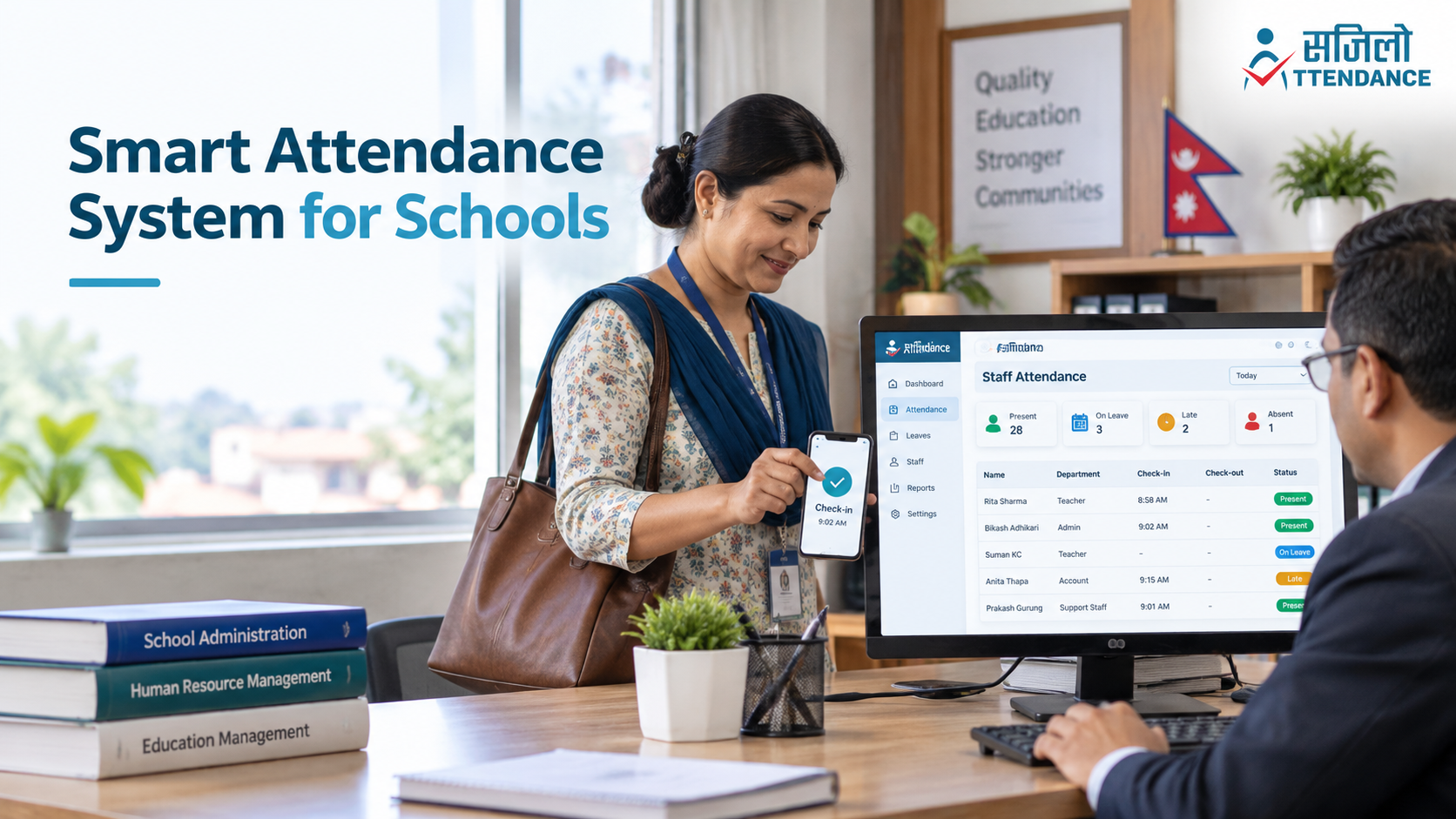
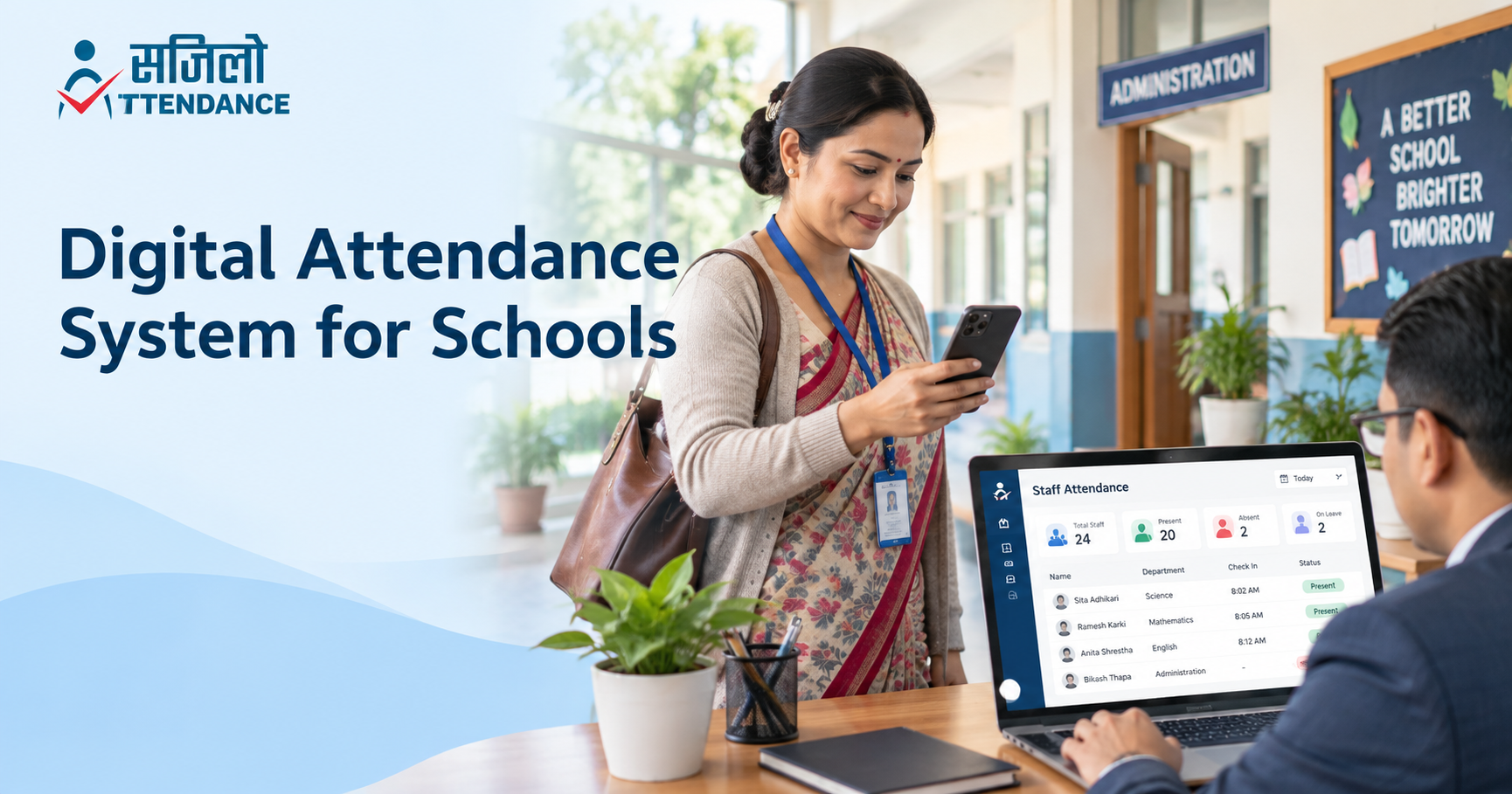
A smart attendance system for schools is a digital platform that records and manages employee attendance. Staff members check in and out using an approved method, while authorized administrators review the information through a central dashboard.
Depending on the software, attendance may be recorded through:
- A mobile application
- Fingerprint authentication
- Facial authentication
- Location-based check-in
- Geofencing
- A biometric attendance device
- RFID or identification cards
- A web-based staff dashboard
The platform stores attendance information electronically and organizes it into reports. School administrators can check who is present, absent, late, on leave, or working at another authorized location.
Modern education administration increasingly depends on reliable digital information. UNESCO explains how Education Management Information Systems have developed to incorporate data from human resources, finance, and other operational systems. www.unesco.org
Who Can Use a School Staff Attendance System?
A school staff attendance system can manage different categories of employees, including
- Classroom teachers
- Department heads
- School administrators
- Accountants
- Receptionists
- Librarians
- Laboratory staff
- School nurses
- Counsellors
- Drivers
- Transportation assistants
- Security personnel
- Cleaners
- Maintenance teams
- Hostel employees
- Cafeteria staff
These employees may not follow the same schedule. Teachers may work according to academic periods, while drivers, security employees, and hostel personnel may follow separate shifts.
A smart system allows the school to create attendance rules and schedules for different departments without maintaining several disconnected registers.
Why Manual Staff Attendance Is No Longer Enough
Paper registers are simple, but they become difficult to manage as a school grows. Common problems include:
- Employees forgetting to sign in or out
- Unclear handwriting
- Inaccurate arrival times
- Proxy attendance
- Missing or damaged registers
- Manual calculation of working hours
- Separate leave records
- Difficult shift monitoring
- Delayed monthly reporting
- Complicated payroll preparation
- No real-time branch overview
A digital platform does not automatically solve every management problem. However, it creates a more consistent process for recording, reviewing, and correcting attendance information.
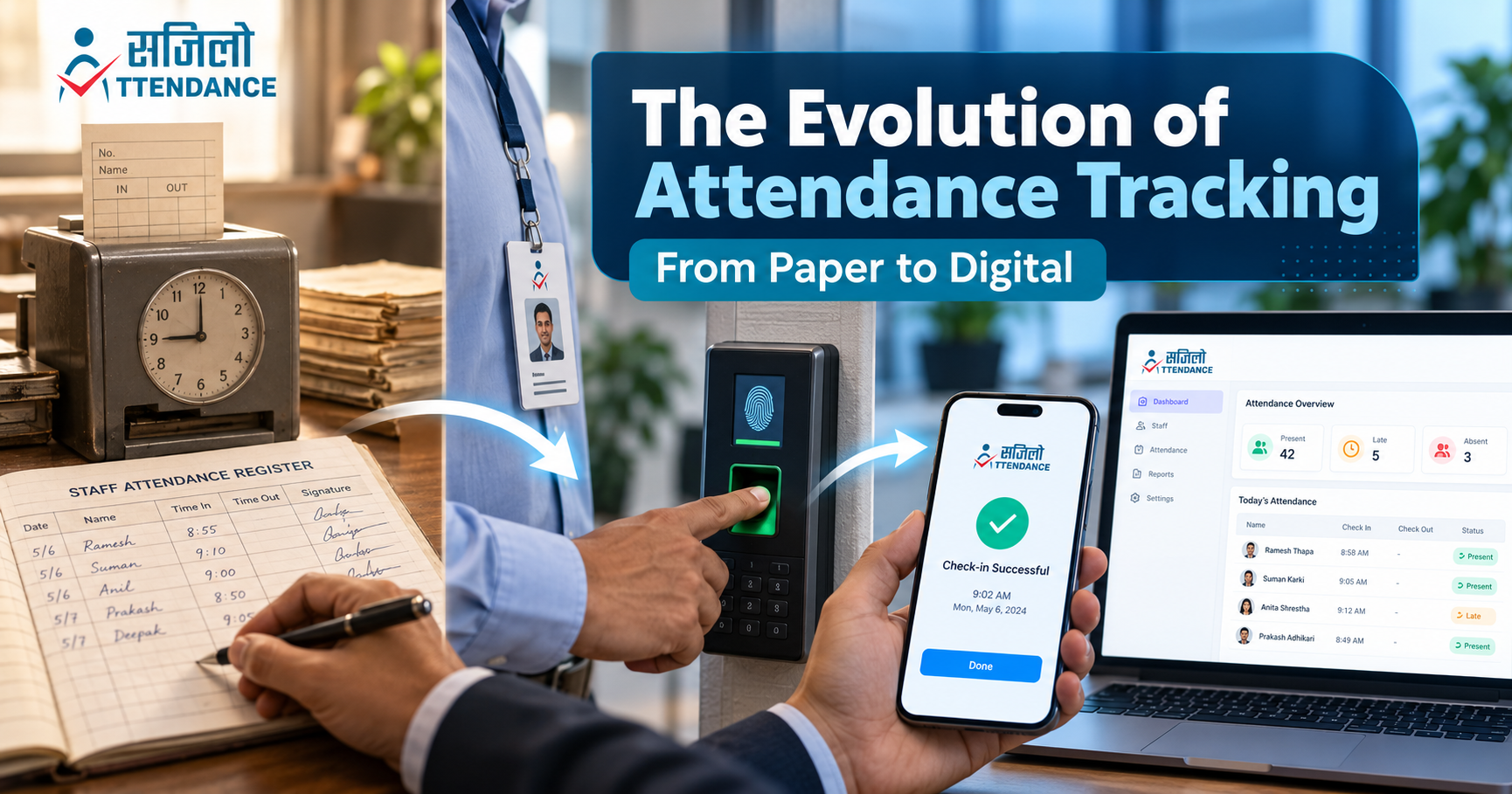
To understand how attendance methods have developed, read about the evolution of attendance tracking.
10 Benefits of a Smart Attendance System for Schools
1. Accurate Staff Attendance Records
Manual attendance records depend on an employee writing the correct time. Entries may be incomplete, difficult to read, or changed later without a clear approval history.
School employee attendance software can automatically record:
- Employee identity
- Check-in time
- Check-out time
- Assigned branch
- Approved location
- Scheduled shift
- Late arrival
- Early departure
- Total working hours
- Attendance status
Time-stamped records make attendance information more consistent. They also help administrators review disputes and correct genuine mistakes.
A smart system should maintain a history of important corrections instead of silently replacing the original entry.
2. Faster Check-In and Check-Out
Many school employees arrive within a short period before morning assembly or the first class. A shared paper register can create queues and delays.
A mobile or biometric attendance system allows staff members to record attendance within seconds. Teachers can check in and begin preparing for their classes without waiting to sign a register.
Faster check-in is particularly useful for:
- Large schools
- Colleges
- Educational groups
- Multiple campuses
- Schools operating morning and day shifts
- Institutions with transportation and hostel employees
The goal is to make attendance convenient without reducing accuracy.
3. Real-Time Staff Availability
With a paper register, management may not know who is present until someone collects and reviews the records. A smart attendance system for schools provides authorized administrators with a real-time overview.
The dashboard may display:
- Staff currently present
- Employees who have not checked in
- Late arrivals
- Employees on approved leave
- Staff assigned to another branch
- Early departures
- Missed check-outs
- Branch-specific attendance
Real-time information helps administrators respond quickly. If a teacher is unexpectedly absent, the school can arrange a substitute before the class begins.
4. Easier Teacher Attendance Management
Teachers often follow schedules that differ from those of other employees. They may have classroom periods, examination duties, meetings, training sessions, and extracurricular responsibilities.
Teacher attendance management software helps schools maintain structured records without relying on separate documents for each department.
It can support:
- Daily teacher attendance
- Assigned working schedules
- Late-arrival records
- Approved leave
- Substitute-teacher planning
- Branch or campus assignments
- Attendance corrections
- Monthly summaries
Attendance should not be treated as a complete measurement of teaching quality. It records availability and punctuality, while teacher performance requires a broader and fairer evaluation process.
5. Digital Leave Management
Schools commonly receive leave requests through paper forms, phone calls, messaging applications, or verbal communication. When requests arrive through several channels, administrators can easily overlook them.
A school HR and attendance system creates a central process for leave applications. Employees can submit requests through the platform, and authorized administrators can approve or reject them.
The system can maintain records of:
- Casual leave
- Sick leave
- Annual leave
- Maternity or paternity leave
- Emergency leave
- Unpaid leave
- Remaining balances
- Approval status
- Leave history
Schools must configure leave types according to their employment policies and applicable legislation. Nepali institutions should review the official Labour Act, 2074, and obtain professional advice when necessary.
6. Better Shift Management
Schools employ people who work outside regular teaching hours. Drivers may begin early in the morning, security personnel may work rotating shifts, and hostel employees may provide evening or overnight support.
A smart attendance system can connect each employee with an assigned schedule. Administrators can then compare actual attendance with the expected shift.
Shift-management features may help with:
- Morning and day shifts
- Security rotations
- Transportation schedules
- Hostel staffing
- Weekend programs
- Examination duties
- Administrative office hours
- Special events
- Temporary shift changes
The International Labour Organization offers guidance on developing balanced working-time arrangements. Schools can use these broader principles alongside local labor requirements when preparing staff schedules. www.ilo.org
7. Simplified Payroll Preparation
Preparing payroll becomes difficult when attendance, overtime, leave, and shift information are stored separately. HR and accounts teams may spend hours comparing paper registers with spreadsheets.
A school employee attendance software platform can organize information such as
- Total working days
- Days present
- Approved leave
- Unpaid leave
- Late arrivals
- Early departures
- Overtime
- Shift attendance
- Missed check-ins
Selected Sajilo Attendance services connect attendance with leave, shift, and payroll-management functions.
The software should provide payroll-supporting information, but an authorized person must verify the records before salaries or deductions are finalized. Employees should also have a fair process for reporting incorrect attendance.
8. Multi-Branch School Management
Educational organizations may operate schools, colleges, kindergartens, hostels, and administrative offices at different locations.
Maintaining a separate paper register at each location makes central reporting difficult. A smart attendance system for schools allows branch administrators to manage their employees while senior management reviews combined reports.
Multi-branch attendance can help organizations monitor:
- Attendance at each campus
- Employees working at different locations
- Branch-specific late arrivals
- Staff transfers
- Different branch schedules
- Leave across all locations
- Combined monthly reports
Schools can compare the available Sajilo Attendance pricing plans according to employee limits, number of branches, and administrative access.
9. Automated Attendance Reports
Paper attendance requires someone to count working days, absences, and late arrivals manually. This process consumes time and increases the possibility of errors.
A digital attendance system for schools can automatically generate:
- Daily attendance reports
- Monthly staff summaries
- Late-arrival reports
- Leave reports
- Shift reports
- Individual employee histories
- Branch-wise reports
- Department-level reports
- Working-hour summaries
- Payroll-supporting records
Automated reports help school administrators spend less time calculating data and more time solving operational problems.
Reports can also reveal broader patterns. Frequent lateness in one branch may indicate a transportation or scheduling issue rather than a problem with individual employees.
10. Reduced Paperwork and Administrative Work
Paper registers require printing, distribution, collection, checking and physical storage. Historical information may take hours to locate.
Digital records are searchable and easier to organise. A smart platform can reduce:
- Printed registers
- Leave forms
- Manual calculations
- Repeated data entry
- Physical record storage
- Branch-level report collection
- Separate attendance spreadsheets
Digitalisation should still include suitable backups and export options. Schools must be able to retrieve essential attendance records even if they later change providers.
Mobile Attendance App for Teachers
A mobile attendance app for teachers allows employees to check in using an approved smartphone rather than a shared physical register or attendance machine.
The application may use:
- Individual login credentials
- Device-supported biometric authentication
- Approved office location
- Geofencing
- Date and time
- Assigned shift
- Attendance status
Mobile attendance is useful for schools that operate several campuses or do not want to install separate devices at every location.
Sajilo Attendance allows employees to mark attendance from approved locations, submit leave applications and send attendance correction requests through the application.
Benefits of Mobile Attendance
A mobile attendance app for teachers offers:
- Quick check-in
- Lower dependence on hardware
- Real-time record submission
- Easy leave requests
- Convenient attendance corrections
- Multi-campus support
- Accessible attendance history
- Immediate administrative visibility
Schools should clearly explain whether the application collects location only during check-in or at other times. Attendance software should not continuously track employees without a lawful, necessary and transparent purpose.
Biometric Attendance System for Schools
A biometric attendance system for schools verifies staff using a physical characteristic such as a fingerprint or facial pattern.
This can reduce shared-account use and proxy attendance because each employee must authenticate personally.
The NIST Digital Identity Guidelines provide recognised principles concerning identity proofing, authentication and secure account management. csrc.nist.gov
Benefits of Biometric Attendance
Biometric authentication may provide:
- Stronger employee verification
- Faster check-in
- Fewer lost attendance cards
- Reduced proxy attendance
- Reliable connection between identity and attendance
- Easier use through supported mobile devices
Biometric Privacy Considerations
Biometric information is sensitive. Schools considering biometric attendance should evaluate:
- Whether biometric verification is necessary
- What information is collected
- Whether information remains on the device
- How information is encrypted
- Who can access it
- How long it is retained
- How it can be deleted
- What alternative method is available
- How failed authentication is corrected
The Information Commissioner’s Office provides guidance on using biometric data for employee attendance and access control. This is useful general guidance, but schools must follow the laws applicable in their jurisdiction. ico.org.uk
Essential Features to Look For
User-Friendly Interface
Teachers and support staff should be able to check in, submit leave and report attendance errors without complicated training.
Real-Time Dashboard
The dashboard should provide a clear view of present, absent, late and on-leave employees.
Location-Based Attendance
Location-based check-in should allow attendance only from approved school premises or authorised work locations.
Leave and Shift Management
Attendance, leave and shifts should be managed through a connected workflow rather than separate spreadsheets.
Multi-Branch Support
Educational groups should be able to view each branch separately and generate combined reports.
Role-Based Access
Access should be assigned according to responsibility. Employees should view their own records, while HR and authorised administrators receive additional permissions.
The OWASP authorisation guidance recommends providing users with only the access necessary for their roles. cheatsheetseries.owasp.org
Audit Logs
An audit log can record who corrected attendance, approved leave or changed employee information.
The OWASP logging guidance explains how application logs can support security monitoring and accountability. cheatsheetseries.owasp.org
Secure Administrator Accounts
Administrative accounts contain access to employee information and should receive stronger protection.
The Cybersecurity and Infrastructure Security Agency recommends using multifactor authentication to provide protection beyond passwords alone. www.cisa.gov
Data Export and Backup
Schools should be able to export essential records and understand how frequently information is backed up.
Integration Options
Larger institutions may require integration with payroll, accounting, HR or existing school-management software.
Information-Security Management
Schools should ask providers how they manage encryption, access, backups and security incidents. ISO/IEC 27001 provides an internationally recognised framework for managing information-security risks. www.iso.org
Staff Privacy and Fair Attendance Management
Attendance information should be used to improve workforce organisation, not to create unnecessary surveillance.
Before implementing a smart attendance system for schools, management should prepare a written policy explaining:
- Why attendance is collected
- Which information is recorded
- How check-in works
- Whether location or biometrics are used
- Who can access attendance records
- How long information is retained
- How employees can report mistakes
- How records affect payroll
- What happens during technical failure
- How information is deleted
General European Union data-protection guidance emphasises transparency, purpose limitation and responsible handling of personal information. Schools must apply the privacy and employment laws relevant to their own country.
Smart Attendance Versus Paper Registers
| Management Area | Paper Register | Smart Attendance System |
|---|---|---|
| Check-in | Written manually | Mobile or biometric |
| Time accuracy | Depends on employee entry | Automatically time-stamped |
| Proxy attendance | Difficult to prevent | Reduced through individual authentication |
| Real-time visibility | Not available | Available to authorised users |
| Leave management | Paper forms or messages | Digital requests and approvals |
| Shift management | Separate schedules | Connected with attendance |
| Report preparation | Manual calculation | Automated reports |
| Multi-branch management | Separate registers | Central dashboard |
| Payroll support | Manual comparison | Organised attendance data |
| Historical search | Time-consuming | Searchable records |
| Corrections | May lack approval history | Documented correction workflow |
| Storage | Physical files | Digital storage and backups |
How to Introduce a Smart Attendance System
Review the Current Process
Identify where the current attendance system creates delays, mistakes or unnecessary administrative work.
Define Requirements
List the number of employees, branches, shifts, administrators, leave categories and reports required.
Select the Attendance Method
Decide whether staff will use mobile check-in, biometric login, location-based attendance or a combination.
Prepare an Attendance Policy
Explain check-in rules, leave procedures, corrections, payroll use and privacy safeguards.
Run a Pilot Programme
Test the system with one department or campus before applying it throughout the institution.
Train Staff Members
Employees should understand how to check in, apply for leave and request attendance corrections.
Review the Results
Gather feedback from employees and administrators. Resolve genuine difficulties before expanding the system.
Common Mistakes Schools Should Avoid
Schools should avoid:
- Introducing the system without staff training
- Using biometric data without proper safeguards
- Collecting unnecessary location information
- Giving too many users administrative access
- Applying salary deductions without verification
- Ignoring failed check-ins
- Failing to define an attendance-correction process
- Depending on digital records without backups
- Selecting software that cannot support future growth
- Treating attendance as the only measure of staff performance
A successful system should be reliable for management and fair for employees.
Why Choose Sajilo Attendance?
Sajilo Attendance provides a practical school HR and attendance system for managing teachers, administrators and support employees.
Its available features include:
- Biometric login
- Location-based check-in
- Real-time attendance tracking
- Attendance correction requests
- Leave management
- Shift management
- HR database management
- Attendance reports
- Multi-branch support
- Email and push notifications on selected plans
- Payroll management on selected plans
- API access on the Pro plan
- Dedicated support on the Pro plan
The platform is designed for staff attendance rather than student attendance. Schools can select a plan based on their workforce size, number of branches and required management features.
For further information, explore how digital attendance systems improve school management.
Conclusion
A smart attendance system for schools can improve how educational institutions manage teachers, administrators and support staff. It provides faster check-ins, accurate records, real-time visibility, easier leave processing, shift management and automated reports.
A school staff attendance system is most effective when it is supported by clear policies, proper training and responsible data protection. Schools should choose software that meets their actual needs without creating unnecessary complexity or surveillance.
Sajilo Attendance combines teacher attendance management software, mobile check-in, biometric authentication, leave management and multi-branch reporting in one platform.
Ready to replace paper registers with a smarter system? Contact Sajilo Attendance to request a demonstration and discuss your school’s workforce-management requirements.
.png)