

Smart Attendance System in Nepal: Features & Benefits
Managing attendance becomes more complicated as a team grows. An employee forgets to sign the register, a leave approval stays in a chat message, and the accounts team spends the end of the month comparing different records.
A smart attendance system in Nepal can bring these activities into one organized workflow. Instead of relying only on handwritten entries, businesses can record attendance digitally and review it alongside employee schedules and approved leave.
This guide explains how these systems work, which features matter, and how to choose an option that fits your organization.
What Is a Smart Attendance System?
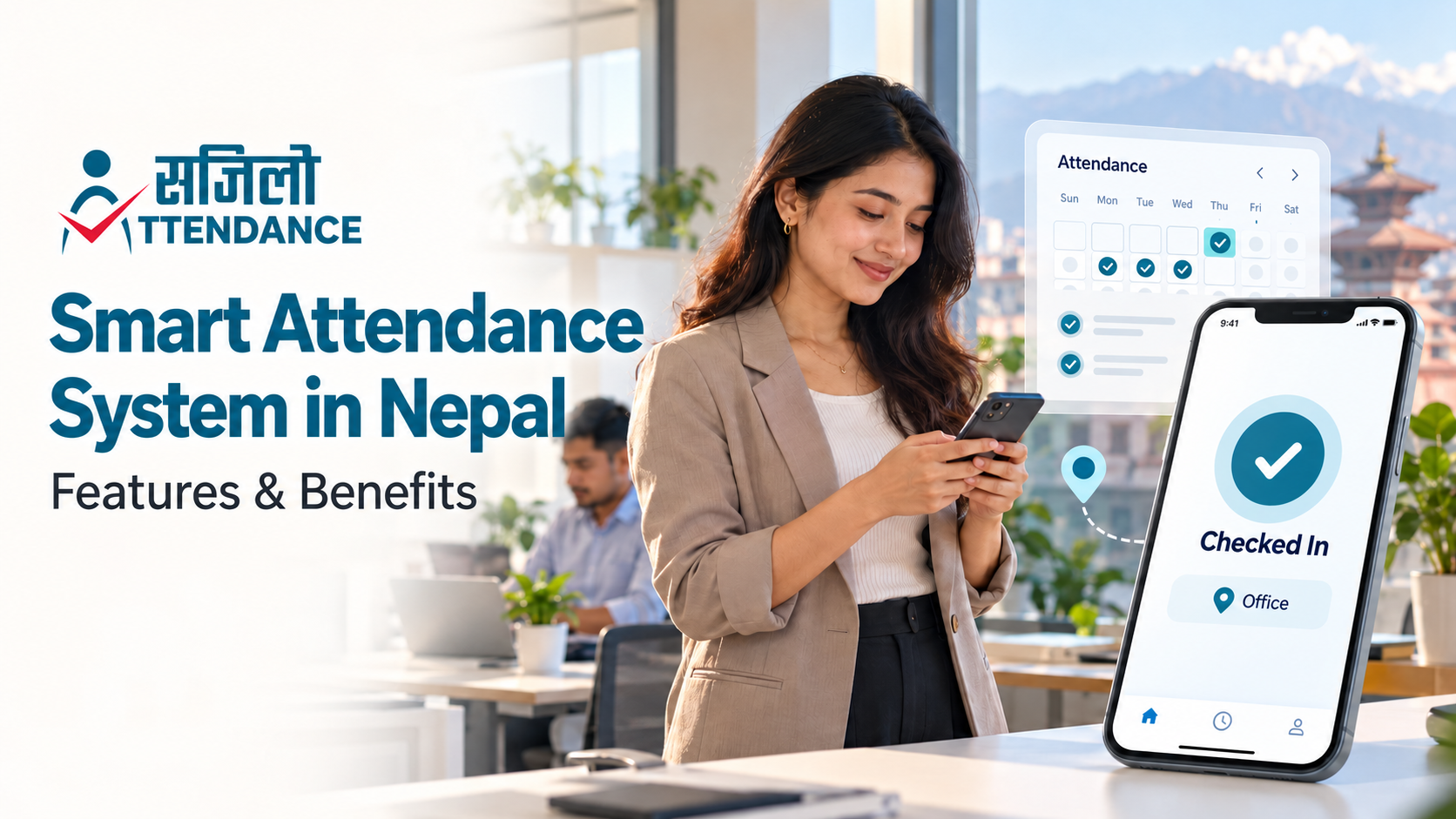
A smart attendance system is software that records and organizes employee check-ins, check-outs, and related attendance information. Depending on the product, employees may use a mobile app, web portal, identification card, or compatible biometric device.
The useful part is what happens after check-in: managers can review exceptions, handle corrections, and prepare reports without repeatedly copying the same information.
For example, Sajilo Attendance offers mobile attendance with device-based biometric login, approved-location check-ins, attendance requests, and reporting. Features and limits vary by plan. Sajilo Attendance
How Does Digital Attendance Work?
A typical digital attendance workflow follows five steps:
- Set up employees: Add staff accounts, reporting managers, and work locations.
- Configure schedules: Define shifts and attendance rules that reflect actual working arrangements.
- Record attendance: Employees check in and out using an approved method.
- Review exceptions: Managers resolve missed entries and review leave or correction requests.
- Prepare reports: Approved records support attendance reviews and, where available, payroll processing.
Consider a small travel agency with sales staff in the office and an employee assigned to an airport pickup. The system should accommodate the approved field assignment. A missed office check-in should trigger a review rather than automatically deciding that the employee was absent.
Why Move Beyond Paper Registers?
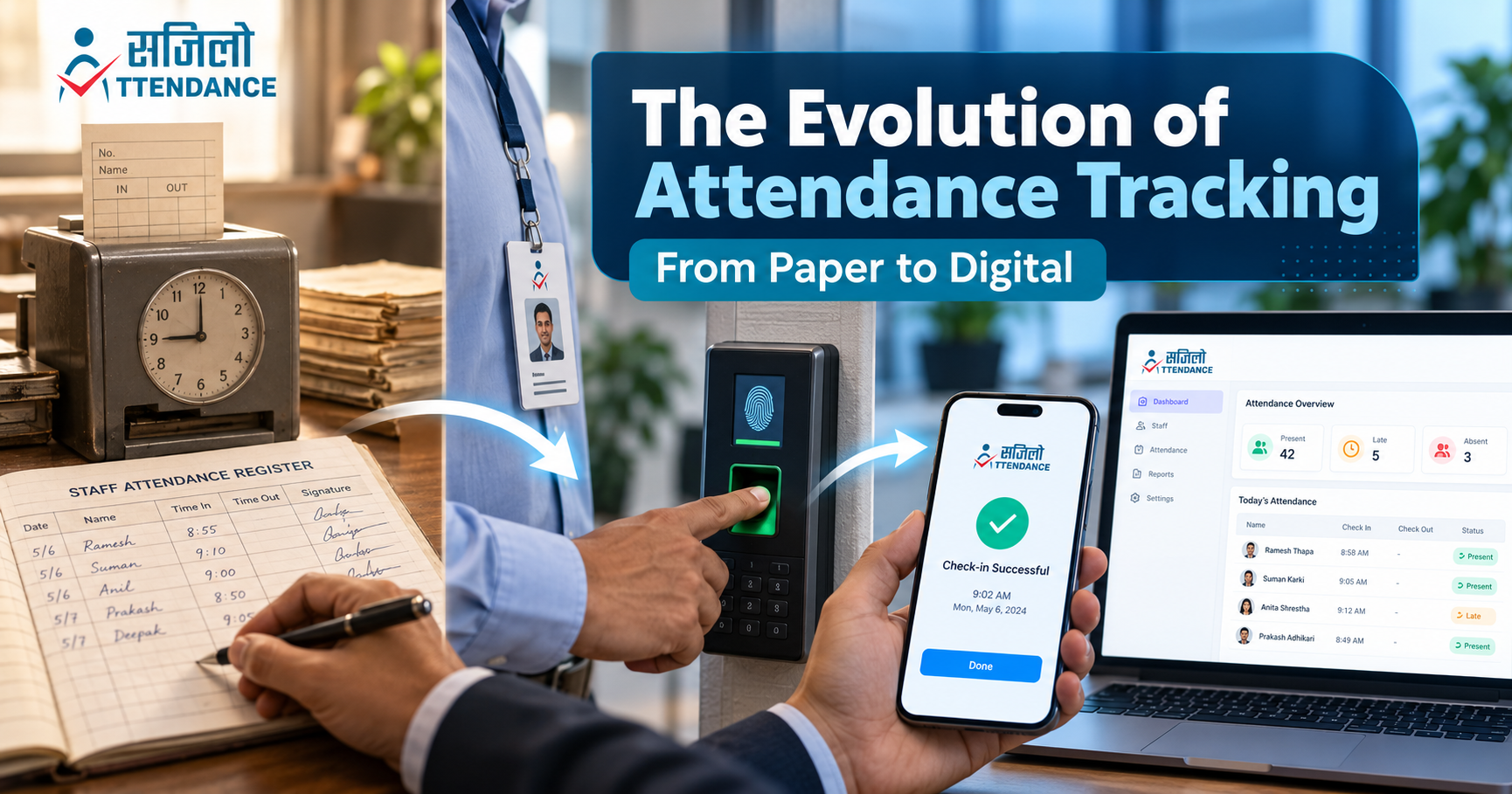
Paper registers are straightforward, but they require someone to interpret entries, count days, and reconcile corrections. Spreadsheets make calculations easier, yet information can still become fragmented across different files.
A digital attendance system in Nepal can be useful when your organization regularly encounters:
- Missing or unclear check-in and check-out times.
- Separate attendance, leave, and shift records.
- Delays in preparing monthly reports.
- Disagreements about corrected entries.
- Difficulty reviewing attendance across branches.
Before switching, identify the problem you want to solve. If monthly reconciliation takes too long, test the reporting workflow. If branch visibility is the issue, prioritize location management and administrator permissions.
Key Features to Look For
1. Check-In Methods That Fit Your Team
Choose an attendance method employees can use reliably. Mobile check-in may suit a team with compatible phones, while other workplaces may need a shared terminal or a supported hardware device.
When comparing a biometric attendance system in Nepal, ask whether “biometric” means authentication on the employee’s phone or integration with a separate fingerprint or facial-recognition terminal. These involve different equipment and setup requirements.
Apple’s explanation of how Face ID works provides a useful example: supported apps receive an authentication result, while the enrolled Face ID data remains on the device. Confirm how your chosen attendance product uses the device’s authentication system. Apple Support
2. Clear Work-Location Rules
Location-based check-in can help an organization restrict attendance submissions to approved sites. Test the feature at the actual workplace, including entrances and indoor areas where location accuracy may vary.
Ask how the system handles employees assigned to client visits, temporary sites, or another branch. Establish a correction process for legitimate check-ins that fail.
3. Leave and Attendance Corrections
An employee attendance tracking system should make mistakes easier to resolve. Check whether staff can submit a missing-entry request, explain the reason, and see its approval status.
During a demonstration, ask to review a corrected record. Can an administrator see the original entry, the requested change, and who approved it? Confirm this rather than assuming every platform keeps the same history.
4. Shift Management
A single office timetable may not fit receptionists, security staff, sales teams, and employees working evening shifts. Test split schedules, overnight work, and shift changes if they apply to your organization.
The International Labour Organization’s guide to balanced working-time arrangements offers practical guidance for designing schedules that consider both operational needs and workers. Define your working arrangements first, then configure the software around them. International Labour Organization
5. Reports You Can Actually Use
Ask the provider to demonstrate a report for your normal attendance period. Check whether it distinguishes approved leave, missing check-outs, and unresolved corrections.
For organizations using Nepali calendar dates, verify Bikram Sambat support and the handling of monthly reporting boundaries. Also confirm export formats and whether the accounts team can use the output without extensive reformatting.
6. Appropriate Access and Data Controls
Decide who needs to see individual records and who should approve changes. A branch supervisor may need a narrower view than the main HR administrator.
Before purchasing, ask about account removal, data retention, backups, and access to records if you stop using the service. Explain to employees what information is collected and how it will be used.
Benefits for Nepali Businesses
Less Repeated Administrative Work
Keeping attendance and approved adjustments together can reduce repeated data entry. The practical test is whether your team spends less time chasing missing information and rebuilding monthly totals.
Better Visibility Across Locations
A central view can help managers identify where attendance information is incomplete and follow up with the relevant branch. This becomes useful when several locations report to the same HR or accounts team.
More Consistent Attendance Reviews
Defined rules and a clear approval process make it easier to handle similar cases consistently. Employees should understand how to report a missed entry and who will review it.
Better Preparation for Payroll
Reviewed attendance records can support payroll preparation when the necessary integration or export is available. Confirm how approved leave, overtime, and corrections reach payroll, and review exceptions before finalizing salaries.
Attendance records show recorded presence and time. They should be considered alongside work outcomes when evaluating employee performance.
Manual Attendance vs. a Smart Attendance System
| Area | Paper registers or separate spreadsheets | Smart attendance system |
|---|---|---|
| Recording time | Staff enter information manually. | Check-ins use the selected digital method. |
| Corrections | Handwritten edits or changes to files | Can follow a request and approval workflow |
| Reporting | Someone compiles and checks records. | Software organizes recorded information. |
| Branch review | Separate records need consolidation. | Supported plans can provide a combined view. |
| Setup | Register or spreadsheet template | Accounts, schedules, permissions, and training |
| Reliability planning | Protect physical records and file copies. | Check connectivity, backups, and recovery procedures. |
Digital software still needs accurate configuration and regular review. Its value depends on how well the workflow fits your team.
Can Schools Use a Teacher Attendance Monitoring System?
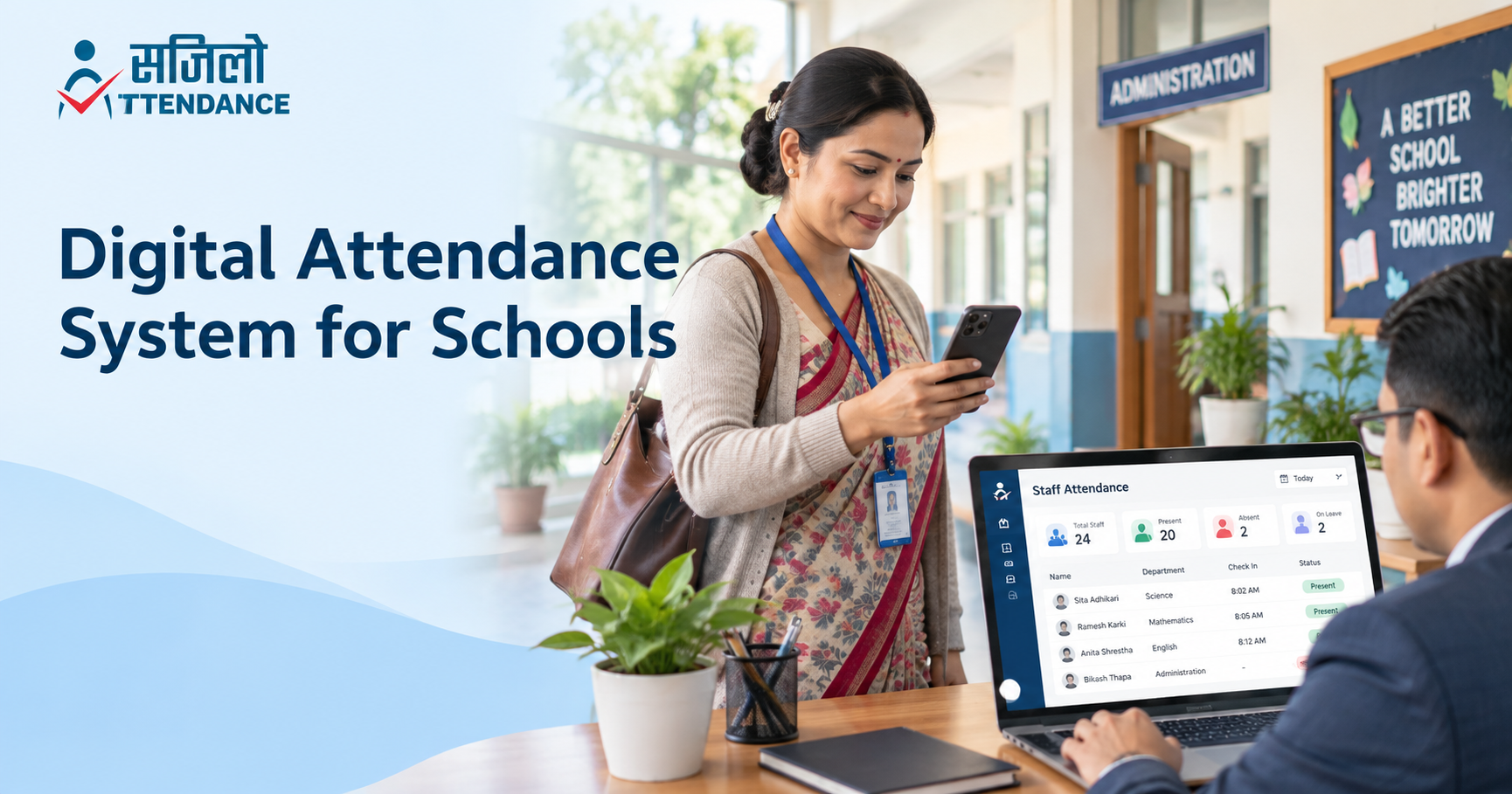
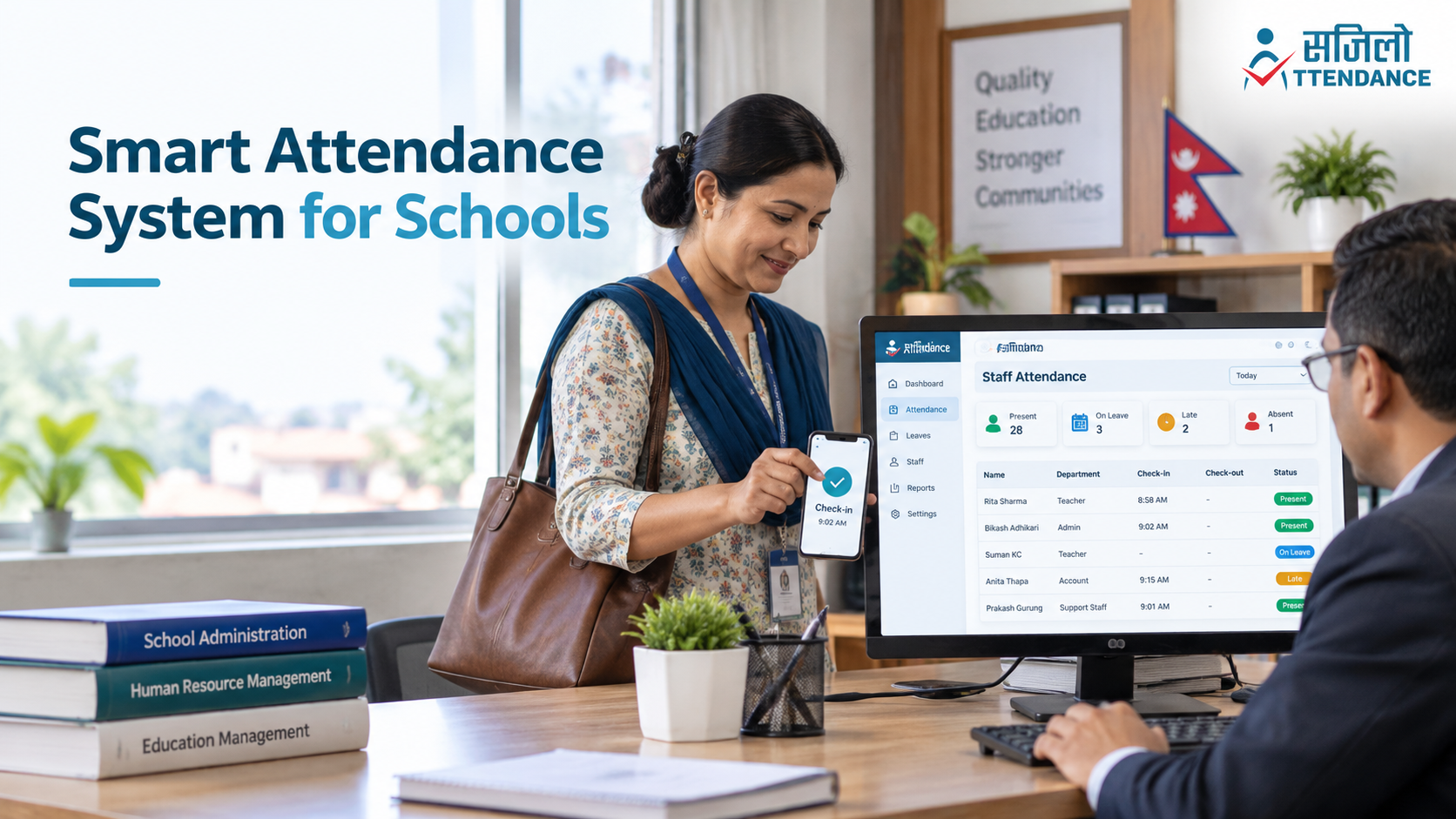
Schools can use a teacher attendance monitoring system to organize staff attendance, leave requests, and reporting. Before selecting one, distinguish employee attendance from student roll calls, class timetables, and academic records.
A staff attendance product does not automatically include a complete school management system. Schools that need more detail can read our guide to digital attendance systems for school staff.
For wider context, UNESCO explains how education management information systems bring together information for education planning and management, including data from HR and finance systems. An attendance platform can address one operational requirement within that broader picture. UNESCO.org
How to Choose Attendance Software in Nepal
Start with a short requirements list: employee count, branches, working schedules, reporting needs, and available devices. Then use a demonstration to test situations from your own workplace.
Ask the provider to show:
- A normal check-in and check-out.
- An employee working at another approved location.
- A missed check-in correction.
- A leave request and manager approval.
- A shift change and its effect on reporting.
- A monthly report your accounts team can review.
Check what happens during an internet interruption. Offline recording and later synchronization are product-specific features, so request a demonstration if they are essential.
Compare the complete cost, including setup, hardware, training, taxes, support, and additional users. Review the Sajilo. Attendance pricing plans for employee and branch limits, and confirm the current billing terms before selecting a package.
How Sajilo Attendance Fits Into the Workflow
Sajilo Attendance provides biometric login through supported devices, location-based attendance, leave and attendance requests, daily-to-monthly reporting, and multi-branch support.
Its published plans include HR database, leave, shift, and attendance management. Payroll is listed in the Basic and Pro plans, while API access is listed in Pro. Check the selected plan against your requirements, especially if you need an integration or a particular reporting format. Sajilo Attendance
For an organisation moving away from manual registers, the next step is a demonstration using its own staff schedules and approval process.
Getting Started With Your Team
Introduce the system through a small pilot before expanding it across the organisation.
- Agree on the rules: Explain check-in locations, schedules, leave approvals, and corrections.
- Prepare staff records: Check employee details and reporting relationships.
- Train a pilot group: Include an administrator and employees with different work patterns.
- Review a full reporting period: Compare recorded attendance with approved changes.
- Resolve problems before rollout: Adjust configuration and training based on feedback.
Measure success through practical outcomes, such as time spent preparing reports, unresolved corrections, and staff difficulty using the system.
Frequently Asked Questions
What is the main purpose of a smart attendance system?
It records and organises attendance so authorised staff can review check-ins, handle exceptions, and prepare reports through a consistent process.
Is digital attendance suitable for a small business?
It can be, particularly when attendance and leave records take substantial time to reconcile. Choose a plan that fits your current team and a workflow staff can use comfortably.
Do I need a fingerprint machine?
Not necessarily. Some systems use mobile apps and a phone’s built-in biometric authentication. Separate attendance machines require compatible hardware and software integration.
Can employees check in from outside the office?
This depends on the product and your organisation’s settings. Confirm support for approved field locations or remote work before choosing a system.
Does attendance software include payroll?
Some products or plans include payroll; others provide reports or exports. Sajilo Attendance lists payroll management in its Basic and Pro plans. Confirm how it handles your specific payroll workflow. Sajilo Attendance
What does attendance mean in Nepali?
Attendance is commonly called हाजिरी or उपस्थिति in Nepali. In a workplace, it usually refers to recording an employee’s presence and working time.
Make Attendance Management Easier With Sajilo Attendance
The right smart attendance system in Nepal should help your team record time consistently, resolve mistakes promptly, and prepare useful reports.
Start with your daily attendance problems and test how the software handles them. If you are ready to explore a digital workflow, contact Sajilo Attendance to request a demonstration. Share your employee count, branch locations, and reporting needs so the team can discuss a suitable setup.
.png)